Guides
Guides on publishing posts, planning and promoting offers
Practical guides on publishing posts, planning, promoting OLX ads, saved links, AI for descriptions tailored to channels and configuring Facebook, Instagram, Google Business Profile and TikTok accounts.
These guides are written from a user's perspective. Here you will find simple instructions, the most common problems and tips that will help you achieve the result faster.
Start with these topics
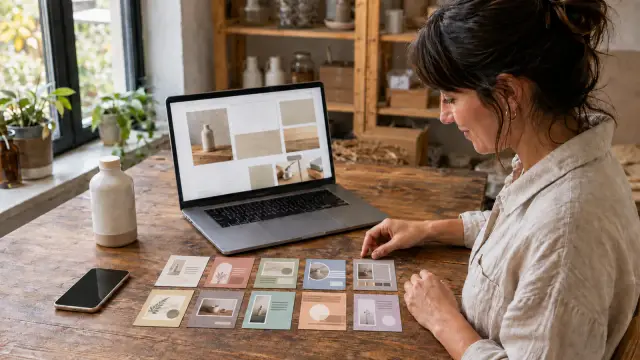
How to turn one product page into 10 social media posts
Learn how to turn one product page into 10 distinct posts, covering the customer problem, benefits, use cases, FAQs and launch status.

Spreenity: Where can you post?
Check where you can post on Spreenity: Facebook Pages, professional Instagram accounts, Google Business Profile and TikTok.
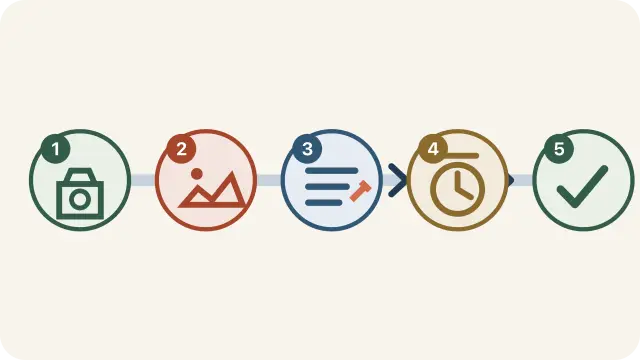
What does the Spreenity post journey look like?
Watch a short video showing how in Spreenity you can start with a photo, text, saved link or OLX ad, and then prepare and publish a post on Facebook, Instagram, Google Business Profile or TikTok.
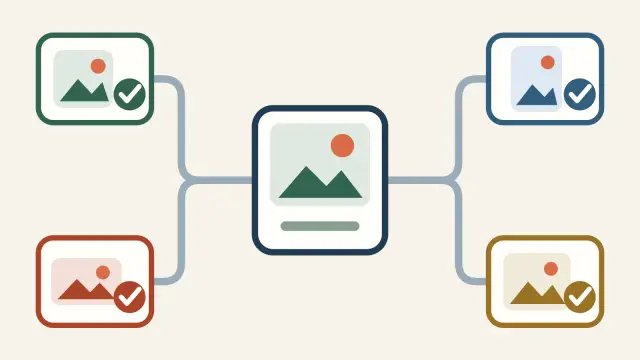
How to post one post on Facebook, Instagram, Google and TikTok
See how to prepare one post, adjust the description to Facebook, Instagram, Google Business and TikTok and publish it from one place.

How to schedule a post on Facebook, Instagram, Google and TikTok
A practical way to prepare a post, adjust the description to Facebook, Instagram, Google Business or TikTok and set publication for a specific day and time.

How to create an account and log in with Google to Spreenity
A short guide on how to create a Spreenity account via Google, the difference between logging in and publishing connections, and what you should know about consents.

How to save a link and generate a post from it with AI
A simple guide: how to save a public link in Spreenity, add an intent and prepare an editable post draft with the help of AI.
Comparisons and alternatives
Actual comparisons for small businesses considering Spreenity alongside Meta Business Suite, Buffer, Metricool or Localo.

The best post scheduling tools for a small business in Poland - 2026
Comparison of post scheduling tools for small businesses: Spreenity, Buffer, Metricool, Meta Business Suite and Localo. Check which ones to choose for Facebook, Instagram, Google Business and TikTok.

Spreenity vs Meta Business Suite - what to choose for scheduling posts in a small company?
Meta Business Suite is enough for Facebook and Instagram, but a small company may also need Google Business Profile, TikTok, AI and a simpler workflow. Check out the comparison with Spreenity.

Spreenity vs Buffer – which tool is better for a small company in Poland?
Buffer is a mature international social media planner. Spreenity is a simpler Polish tool for small businesses that want to schedule posts on Facebook, Instagram, Google Business and TikTok.

Spreenity vs Metricool – a simple planner or an extensive social media tool?
Metricool is strong in analytics, reporting and marketing work. Spreenity is a simpler planner for small businesses that want to publish regularly without a marketing department.

Spreenity vs Localo – what to choose for Google Business Profile?
Localo helps with local SEO and Google listing optimization. Spreenity helps you publish posts regularly on Google Business Profile and social media from one place.
Guides by topic
Publication and planning
How to create posts, schedule publications and get through your daily work faster.
What does the Spreenity post journey look like?
Watch a short video showing how in Spreenity you can start with a photo, text, saved link or OLX ad, and then prepare and publish a post on Facebook, Instagram, Google Business Profile or TikTok.

Social media planner in a small company - unnecessary gadget or real help?
Watch a short video about when a social media planner helps a small business, what it simplifies in daily publishing and how it can support regular posts on Facebook, Instagram, Google Business Profile and TikTok.
How to post one post on Facebook, Instagram, Google and TikTok
See how to prepare one post, adjust the description to Facebook, Instagram, Google Business and TikTok and publish it from one place.
Spreenity: Where can you post?
Check where you can post on Spreenity: Facebook Pages, professional Instagram accounts, Google Business Profile and TikTok.
How to schedule a post on Facebook, Instagram, Google and TikTok
A practical way to prepare a post, adjust the description to Facebook, Instagram, Google Business or TikTok and set publication for a specific day and time.
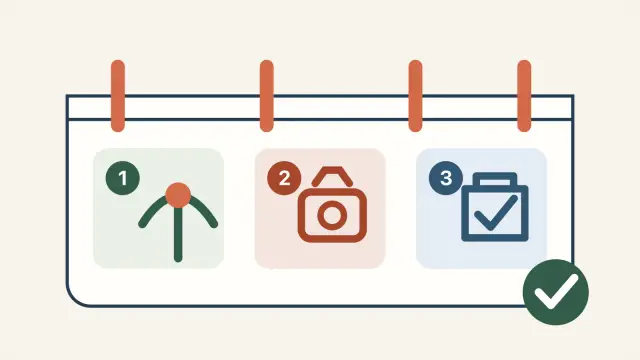
How to schedule TikTok posts for your small business
See how a small business can schedule posts on TikTok without an agency: ideas, scheduling, descriptions, hashtags and publishing along with other channels.

How to schedule posts before vacation? Your company's social media works while you rest
See how to prepare posts before vacation, choose publishing channels, set dates and return to communication without chaos.
How to promote a mobile app before launch
Build a practical pre-launch app campaign with a product page, four communication pillars, a 14-day post plan, a DOBIERO example and a launch checklist.
Is it worth using a social media planner in a small company?
Practically about when a social media planner really helps in a small company: for regularity, saving time and easier management of publications.
How to create a small-business social media publishing plan — calendar and examples
Build a weekly rhythm, topic bank and monthly post calendar for a small business. See publishing examples and a simple backup plan.
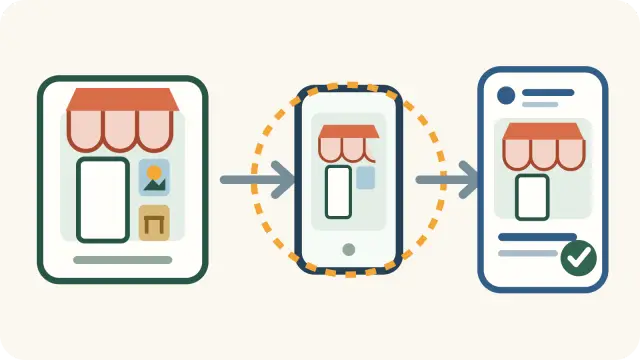
How a local business can prepare a post for Facebook, Instagram, Google Business Profile and TikTok
A simple guide for local businesses: from an idea for a post, through a photo and description, to publication or planning on Facebook, Instagram, Google Business Profile and TikTok.
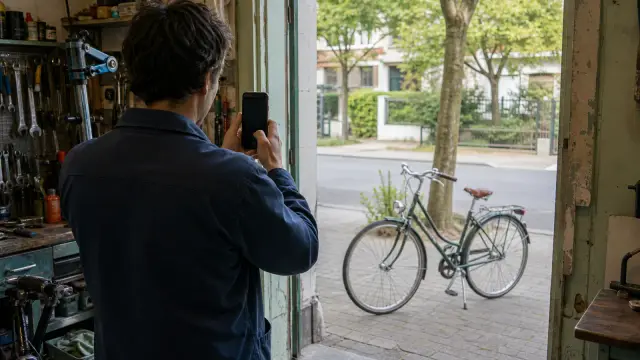
How to promote your local business on Google and social media
A practical guide for a local service or trade company: Google Business Profile, Facebook, Instagram, TikTok, photos, opinions and a simple weekly plan.
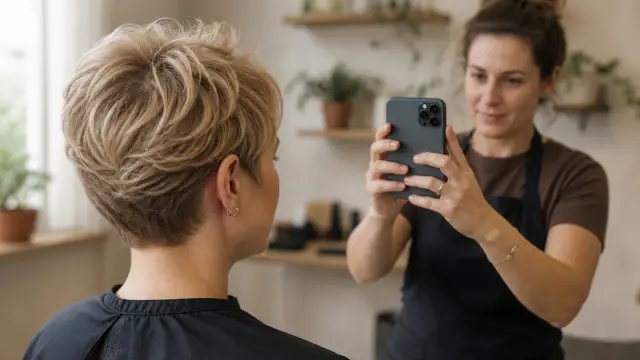
How to promote a hair salon on social media
A practical guide for the owner of a hair salon: what to post on Instagram, Facebook, Google Business and TikTok, how to show metamorphoses with respect for privacy and how to encourage bookings.
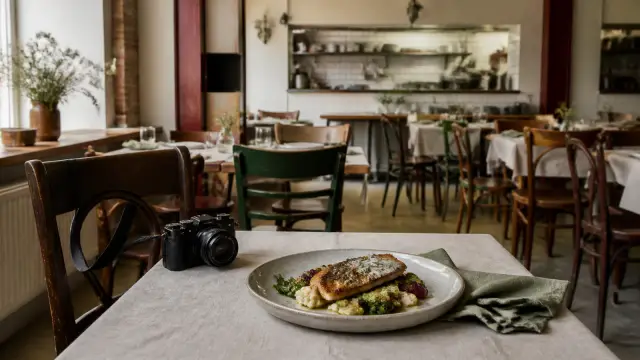
How to promote your restaurant on Facebook, Instagram, Google and TikTok
A practical publication plan for restaurants: weekly menu, lunch, seasonal dishes, photos of the restaurant, reservations, events and current information on Facebook, Instagram, Google Business Profile and TikTok.
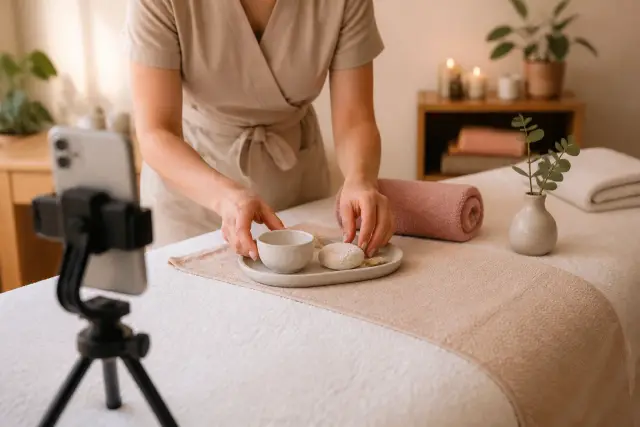
7 post ideas for a beauty salon
A practical list of post formats for a beauty salon: treatments, available appointments, client education, home care, reviews, local context, and privacy-safe before-and-after material.
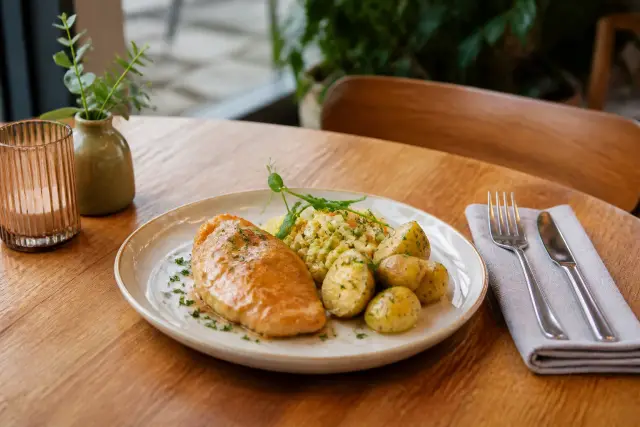
How to promote a dish of the day on Google and social media
A focused restaurant guide: turn one dish of the day into a short Google Business Profile, Facebook and Instagram post without rewriting the whole menu.
What to post when you run a small service business
A bank of repeatable post topics for a local service business: jobs completed, available slots, advice, seasonality, reviews and local context.

How to change or cancel a scheduled post
See where to find a scheduled post, when it's better to reschedule and when to cancel it, and how to do it calmly without chaos.

How to post to Google Business Profile
A practical guide on how to create news, offers and events in Google Business Profile and prepare a local post for publication in Spreenity.

How to post on TikTok on Spreenity
A practical guide to TikTok on Spreenity: account connection, photo or video, description, privacy, commercial markings and confirmation of publication.
How to turn one product page into 10 social media posts
Learn how to turn one product page into 10 distinct posts, covering the customer problem, benefits, use cases, FAQs and launch status.

How to use AI for post descriptions and hashtags
Practical: how to use AI for better post descriptions, hashtags, versions tailored to Facebook, Instagram and Google, and common content checked for TikTok.
How to save a link and generate a post from it with AI
A simple guide: how to save a public link in Spreenity, add an intent and prepare an editable post draft with the help of AI.

How to turn a link into a ready AI post? Spreenity in practice
Watch a short video about starting with a public link, adding intent and turning it into an editable post draft with AI help in Spreenity.
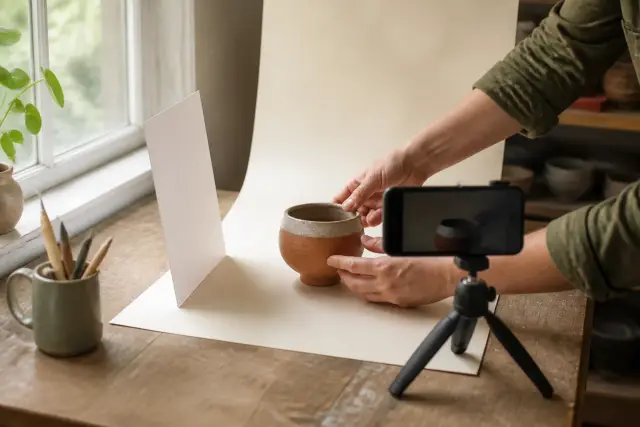
How to prepare photos and videos for publication
A practical checklist that will help you quickly prepare photos for publication on Facebook, Instagram, Google Business and TikTok, as well as short videos for channels that support them.

How to use post templates in Spreenity
A practical guide: how to choose a post template in Spreenity, use filters, use ready-made text and improve the draft in the creator before publication.
Spreenity: A simple guide to content creation
A simple guide to how to prepare a post in Spreenity: from OLX, a saved link, a photo, your own text, photos, videos and planning publications.

Why Spreenity is very simple
See why Spreenity works like a simple posting tool: one way to work, Facebook, Instagram, Google Business, TikTok, OLX, AI and clear status.
Connections and configuration
How to prepare an account, connect Facebook, Instagram, Google Business Profile and TikTok and what to check if something doesn't work.
How to connect Facebook Page to publishing tool
Simple instructions on how to connect Facebook Page with Spreenity, what to prepare in advance and what to check if your website does not appear on the list.

How to connect your Instagram Business or Creator account
Briefly and practically: how to prepare a professional Instagram account, connect it directly to Spreenity and what to check if the connection does not go through.

How to link your Google Business Profile for publication
Practical instructions on how to connect Google Business Profiles in Spreenity, select locations and prepare them for publishing local posts.
How to create an account and log in with Google to Spreenity
A short guide on how to create a Spreenity account via Google, the difference between logging in and publishing connections, and what you should know about consents.
How to configure MFA in Spreenity
Spreenity MFA setup instructions: authentication app, QR code, manual key entry, recovery codes, and trusted device.
What Instagram account do you need for a business publication?
Check whether you need a Business or Creator account to publish a business on Instagram, how to evaluate it in practice and what to set before connecting.
OLX and promotion of offers
How to convert advertisements into promotional posts with a link to the offer and publish them on your profiles.

How to turn an OLX ad into a social media post
See how OLX Import moves your own active listing into an editable draft that you review before publishing to supported destination channels.
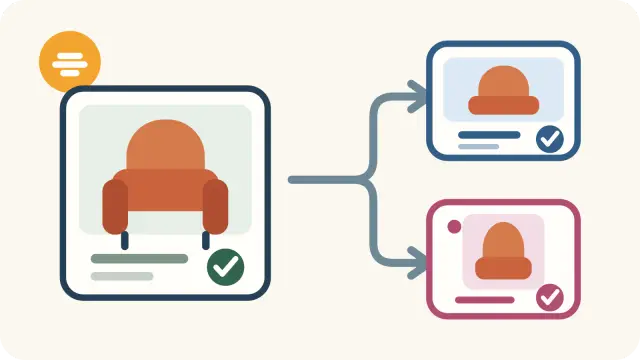
How to promote your OLX ad on Facebook, Instagram and Google
A short recipe for one post from one OLX ad: selecting the main photo or video, shortening the description, local context, link or contact, and honestly showing the status of the offer on selected channels.

How to promote multiple OLX ads on Facebook, Instagram and Google
A practical way to promote multiple active listings you own: build a rotation and set posting dates for Facebook, Instagram, and Google Business.

How to promote an OLX listing on social media
A practical guide to using your own OLX listing as source material for a social media post: what to shorten, what to check, and how to prepare an editable AI draft in Spreenity.
Billing and compliance
Invoices, KSeF, GDPR and other topics that affect the daily use of the tool.
VAT and KSeF invoices in Spreenity: how it works
A practical explanation of where to find a VAT invoice, when the KSeF number appears and what is worth setting in advance in the settlement data.
Can a social media publishing tool be GDPR compliant?
Check what to look for in public documents and visible settings if you want to evaluate a tool's approach to privacy and data.
Common problems
The most common blockers and quick ways to get back into action.

The most common problems when connecting Instagram and how to solve them
Having trouble connecting Instagram? Check out the most common causes and practical steps that you can immediately take on your own.

Why can't I see my Facebook page when connecting
Don't see your Page listed when connecting Facebook? Check the most common causes and see what should be improved step by step.
Free marketing calendar 2026–2027
Browse 278 marketing opportunities through December 2027 and choose topics for your business.
Have a more specific question?
See also the FAQ with shorter answers to the most common questions about the platform's operation.
Do you want to do it faster from one place?
In Spreenity you can prepare a post, match the description to Facebook, Instagram, Google and TikTok, and then publish it without jumping between several tools.